
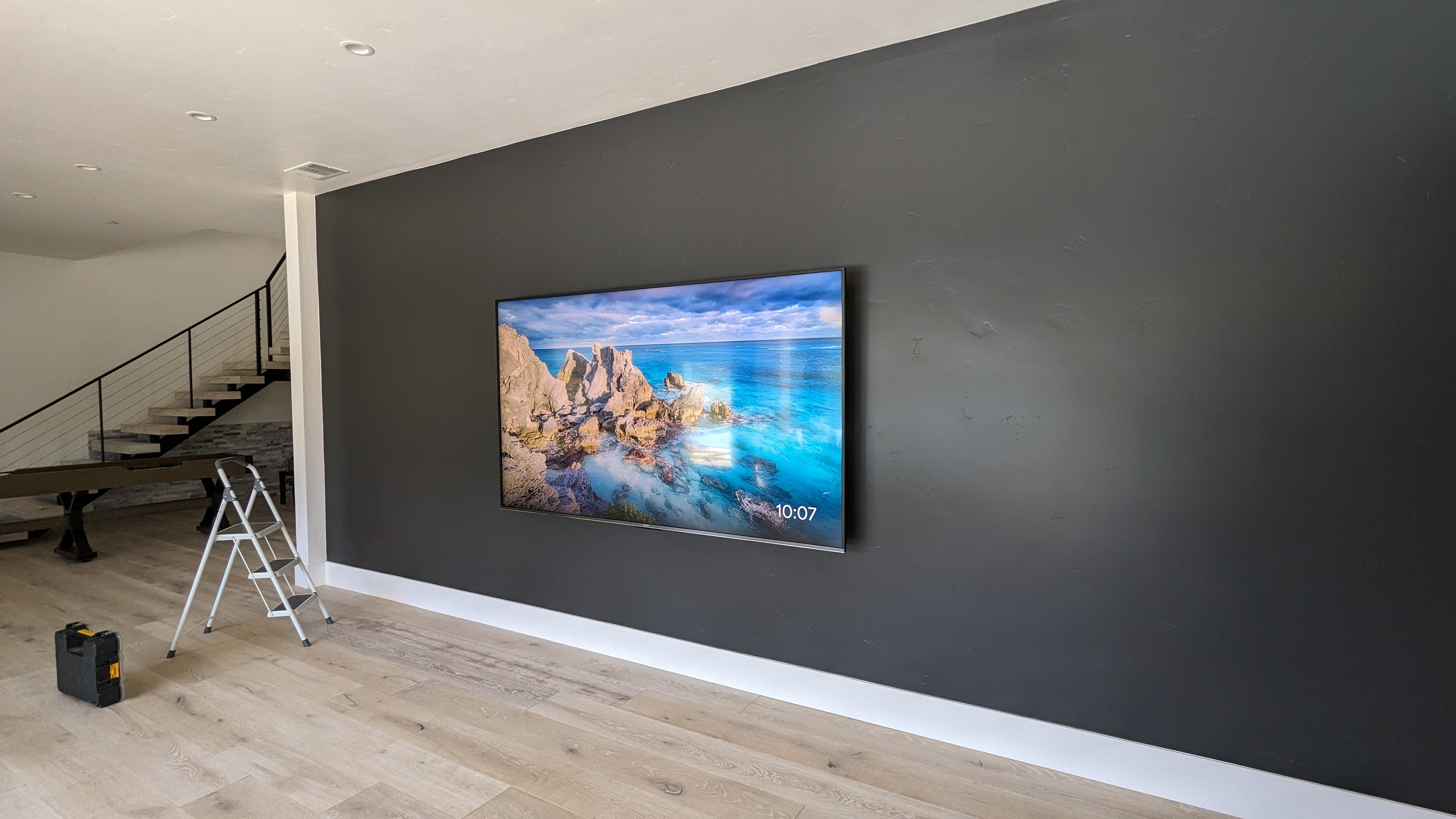
After 1,100+ professional TV installs, these are the exact wall mounts I recommend to my customers and use on my own jobs in 2026 - tilt, full motion, corner, and recessed. Specific models, with Amazon links and notes on which one fits your situation.
*Disclosure: This post contains Amazon affiliate links. If you buy through them, I earn a small commission at no extra cost to you - and I only recommend mounts I actually use on the job.*
Why I'm Writing This Differently
Most "best TV mount" articles are written by people who've never installed one. They compare spec sheets and Amazon star ratings. I'm Dan Dyer, and I've been mounting TVs professionally in Sacramento since 2010 - over 1,100+ installs. I know which mounts install cleanly, which ones fight you, and which ones fail six months later.
These are the specific mounts I recommend to my customers and use on my own jobs. And if you'd rather skip the research and the ladder entirely, my professional TV mounting service in Sacramento includes helping you pick the right mount for your wall and TV.
My 5 Recommended Mounts
Best Tilt Mount for 55"-65" TVs: ECHOGEAR Low Profile Tilt
This is a clean, no-nonsense tilt mount. The mechanism is smooth and locks where you set it - no ratcheting, no slipping over time. The wall plate is solid, the low-profile design keeps the TV close to the wall, and it installs fast.
I use this for bedrooms and fixed-position living room TVs where you want a little downward angle to reduce glare but don't need a full motion arm. It's the right tool for that job.
Best for: Bedrooms, fixed-position installations, 55"-65" TVs on drywall walls
Best for Corners and Deep Cubbies: Long-Arm Full Motion Mount
This is the mount I reach for when a TV is going into a corner or sitting inside a deep media cubby. The extended arm gives 20"+ of reach, so you can swing the TV fully out of the corner and angle it anywhere in the room. It also makes cable management easier - more arm length means more slack to work with.
I put together a short reel showing exactly how this mount works in a corner installation: Watch the install on Instagram
Best for: Corner installations, deep entertainment center cubbies, any room with no good flat wall TV size: Up to 65"
Best Corner Mount for Smaller TVs: Compact Corner TV Mount
For TVs under 50" in a corner - guest bedroom, kitchen, office - this compact corner mount is the right call. It's purpose-built for corners, so you're not fighting a long-arm full motion bracket on a small TV. Clean, secure, right-sized.
I don't use this on anything 50" and up. The leverage from a bigger TV needs a longer arm and more wall plate surface area. For larger TVs in a corner, use the long-arm full motion mount above.
Best for: Guest bedrooms, kitchens, offices - small TVs in corners TV size: Under 50"
Best for Large TVs 65"-85": SANUS Preferred Full Motion
For large TVs, I don't use budget mounts. The SANUS Preferred is what I reach for on 65"-85" installations. A few things that make it stand out:
Best for: Living rooms and great rooms, large TVs where you need occasional HDMI access TV size: 65"-85"
Best Ultra-Flush Look: SANUS In-Wall Recessed Mount
This is the premium option. A recessed mount sits inside the wall so the TV lies completely flat against the drywall surface - zero gap. On a Samsung Frame TV or any install where you want a true built-in look, this is how you do it.
Installation is more involved - you're cutting into the wall and working inside the cavity - but the result is stunning. I've done a few of these recently:
Watch recessed mount install #1 Watch recessed mount install #2
Best for: Samsung Frame TVs, high-end living rooms, anyone who wants the TV flush with the wall
Quick Reference
| Your Situation | My Recommendation |
|---|---|
| 55"-65" TV, flat wall, want tilt | ECHOGEAR Tilt Mount |
| TV in a corner or cubby (up to 65") | Long-Arm Full Motion |
| Smaller TV (under 50") in a corner | Compact Corner Mount |
| Large TV 65"-85", want full motion | SANUS Preferred Full Motion |
| Want TV completely flush with the wall | SANUS Recessed Mount |
What to Avoid
Mounts Under $25
Full motion mounts for $20 exist on Amazon with thousands of reviews. Many use thin stamped steel arms that develop slop over time and wall plates that flex under load. When that arm is extended with a 65" TV on it, the math is not in your favor. Don't cheap out on what holds a $1,000+ TV.
Short Lag Bolts
Most mounts ship with 2.5" lag bolts. Through 1/2" drywall, that leaves barely 2" of bite into a stud - marginal at best. I always upgrade to 3" minimum, and 3.5" for anything 65" and larger. It's a $5 upgrade that actually matters.
Single-Stud Mounting for Large TVs
Some budget mounts allow single-stud mounting. For small TVs, it's acceptable. For anything 55"+ on a full motion arm, you want two studs. The leverage created by an extended arm on a heavy TV is significant - plan accordingly.
Need It Installed in Sacramento?
If you've already ordered one of these mounts - or you want me to supply and install the right one for your setup - call me at (916) 234-5202. I install all of the above regularly, and same-day TV mounting is available throughout Sacramento, Roseville, Folsom, Elk Grove, and surrounding areas. Want the cables hidden too? My TV wire concealment service pairs with any of these mounts for a completely wire-free wall.