
What You're Looking At
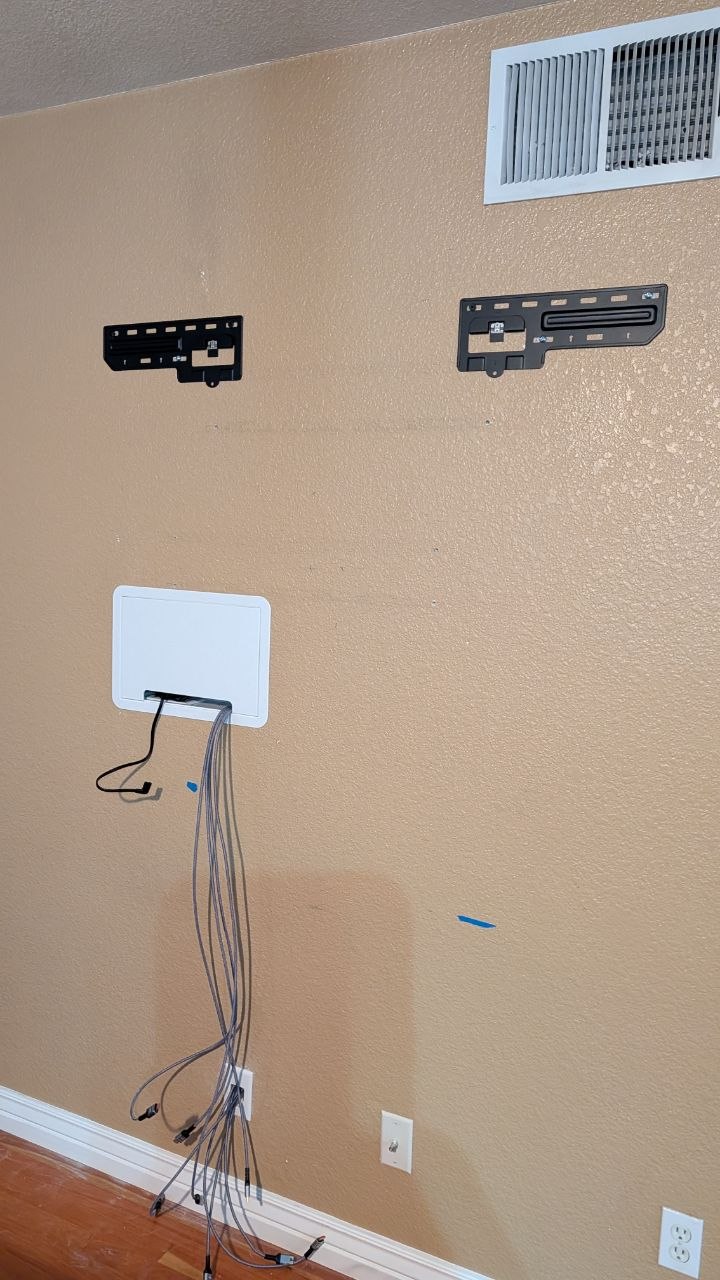
This photo shows a wall mid-install — two slim mount brackets are up, and a Sanus in-wall cable management box is installed below where the TV will sit. This is what the setup looks like before the TV goes on.
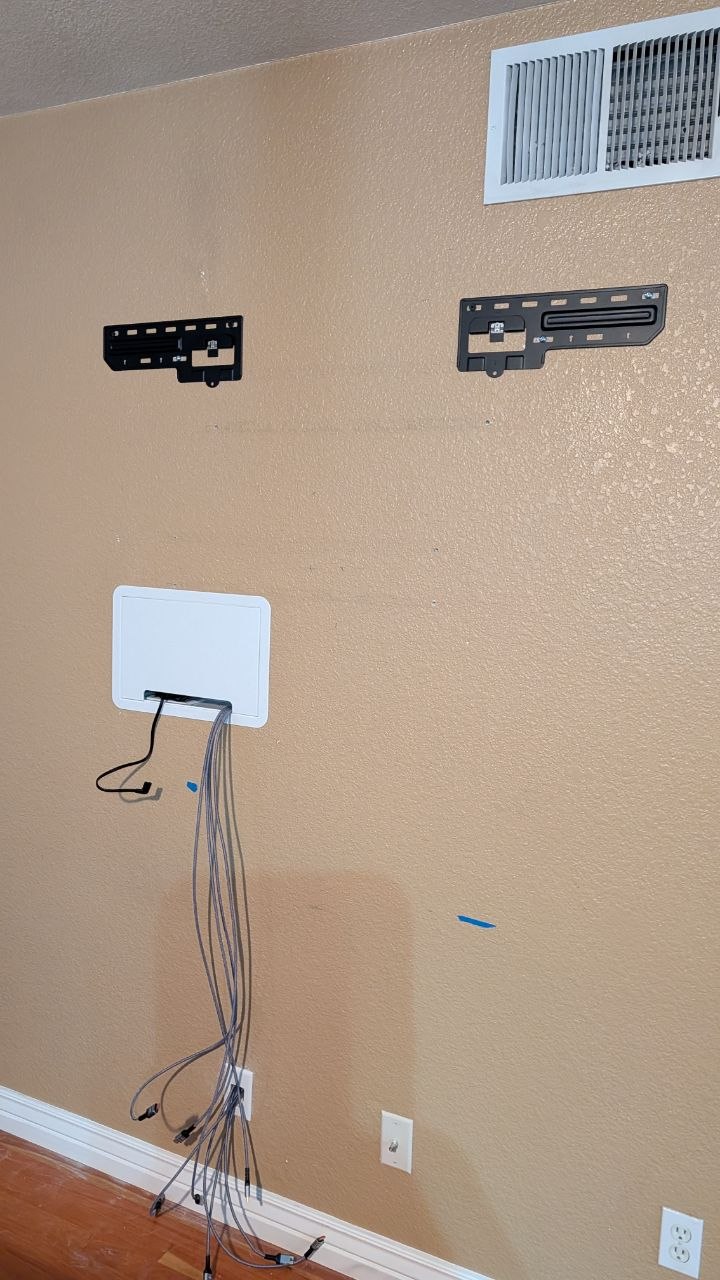
Slim TV mount brackets and Sanus in-wall cable management box on wall in Sacramento, CA
The Slim Mount Brackets
The two black brackets on the wall are the wall plate side of a slim (low-profile) TV mount. This style sits the TV as close to the wall as physically possible — usually 1 to 1.5 inches of clearance between the back of the TV and the wall surface.
What makes it a slim mount:
When a slim mount makes sense:
When it doesn't:
The In-Wall Media Box
The white panel is a Legrand OnQ In-Wall Media Box — a recessed enclosure that sits inside the wall cavity below the TV. It requires cutting a hole in the drywall. The box drops in, and a trim ring covers the cutout edges for a clean finish.
What it does:
Why use it:
What it needs:
The Finished Look
Once the TV is on those slim brackets, it sits flush against the wall with a 1–1.5" gap. The in-wall box is recessed below with just the trim ring showing — no streaming box on a shelf, no cables hanging, just a TV on a wall.
Thinking About This Setup?
Slim mounts and in-wall cable management are two of the most common requests I get across the Sacramento area — Orangevale, Fair Oaks, Roseville, Elk Grove, Folsom, and everywhere in between. If you want to know whether your wall and TV setup works for this, give me a call at ${business.phone}.