
Why Corner TV Mounting?
Not every room has the perfect flat wall for a TV. Maybe your living room has windows on two walls, a fireplace on the third, and a doorway on the fourth. Maybe your bedroom layout only works with the TV in the corner. Whatever the reason, corner TV mounting is one of the most common requests we get at Dan's TV Mounting - and after 1,100+ installations across Sacramento, we've perfected the technique.
Corner mounting isn't just a compromise - when done right, it can actually be the best option. A corner-mounted TV with a full motion mount lets you angle the screen toward any seating area in the room, giving you more flexibility than a flat wall mount ever could.
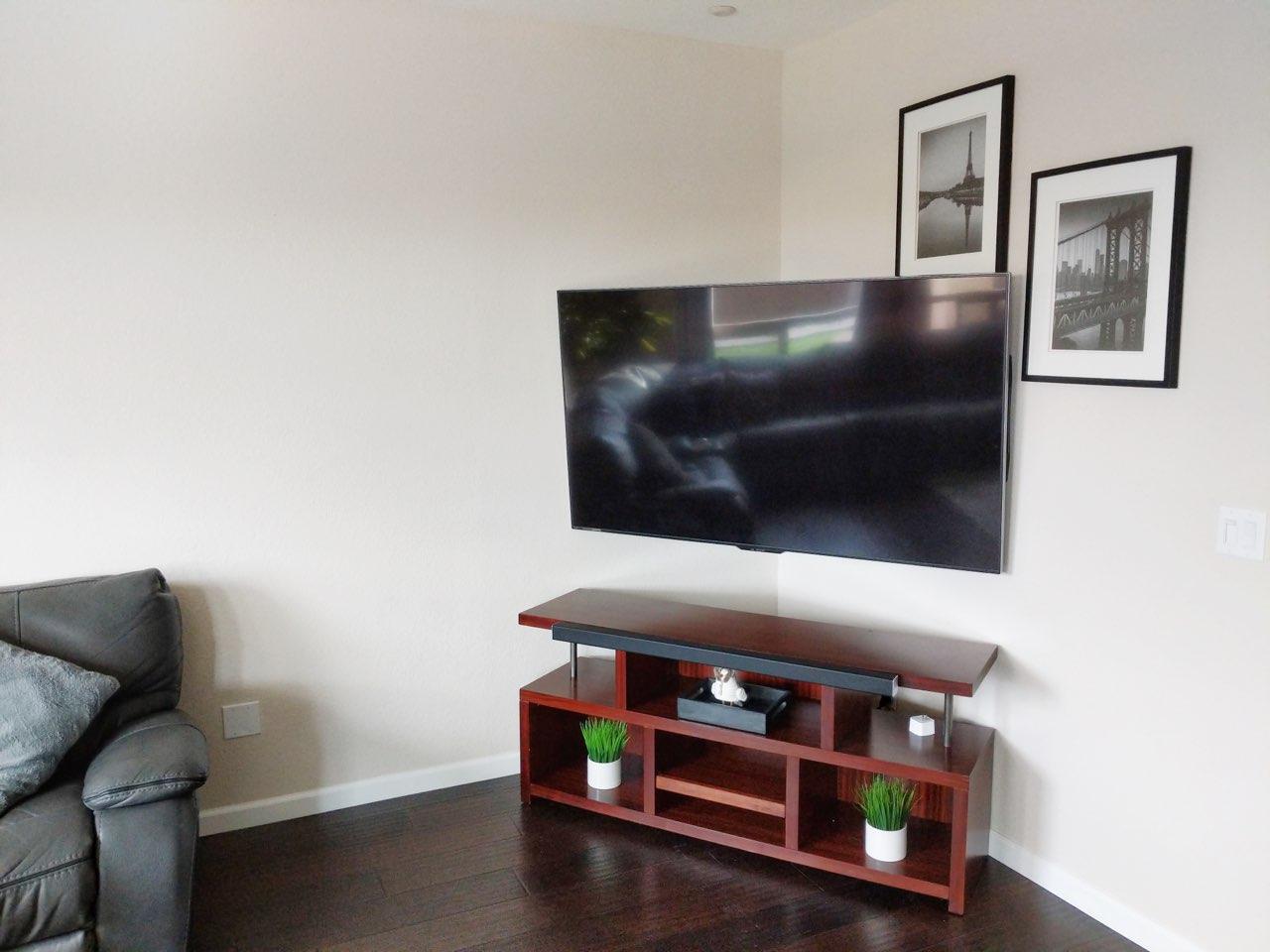
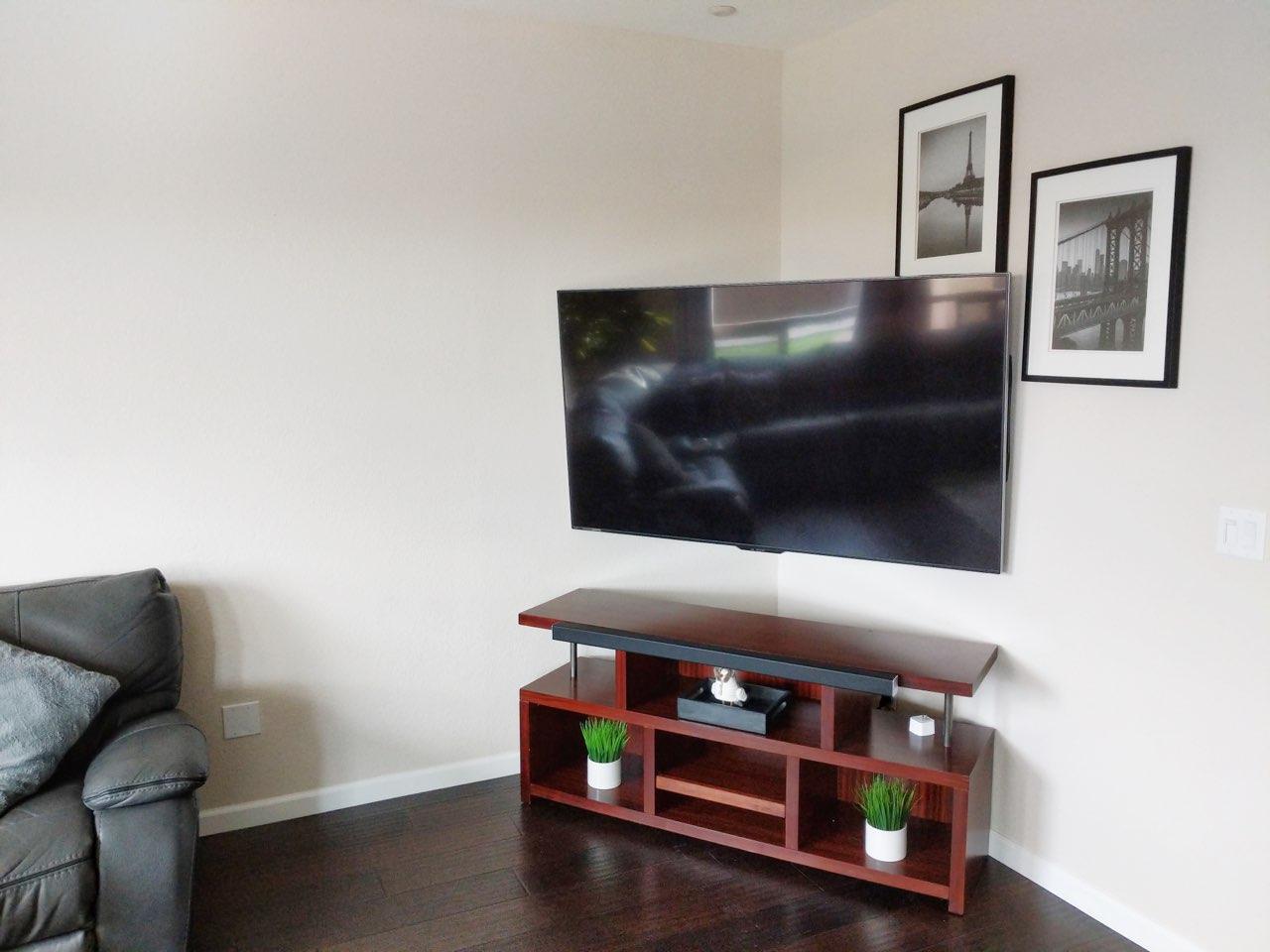
TV mounted in corner of living room on full motion arm above media console in Sacramento, CA
How to Mount a TV in a Corner
If you just want the short version of how to mount a TV in a corner - also called corner mounting, corner TV installation, or hanging a TV on a corner wall - here's the process:
That's the basic recipe. The rest of this guide goes deeper on mount types, wall materials, and the mistakes that ruin a corner install.
Types of Corner TV Mounts
Full Motion (Articulating) Corner Mounts
This is the most popular choice for corner installations, and it's what we recommend 90% of the time. A full motion mount attaches to one wall of the corner and uses an articulating arm to extend the TV outward and angle it into the room.
Best for: Living rooms, bedrooms, any room where you want to adjust the viewing angle TV sizes: 32" to 90"+ Extension: 18-28 inches from the wall
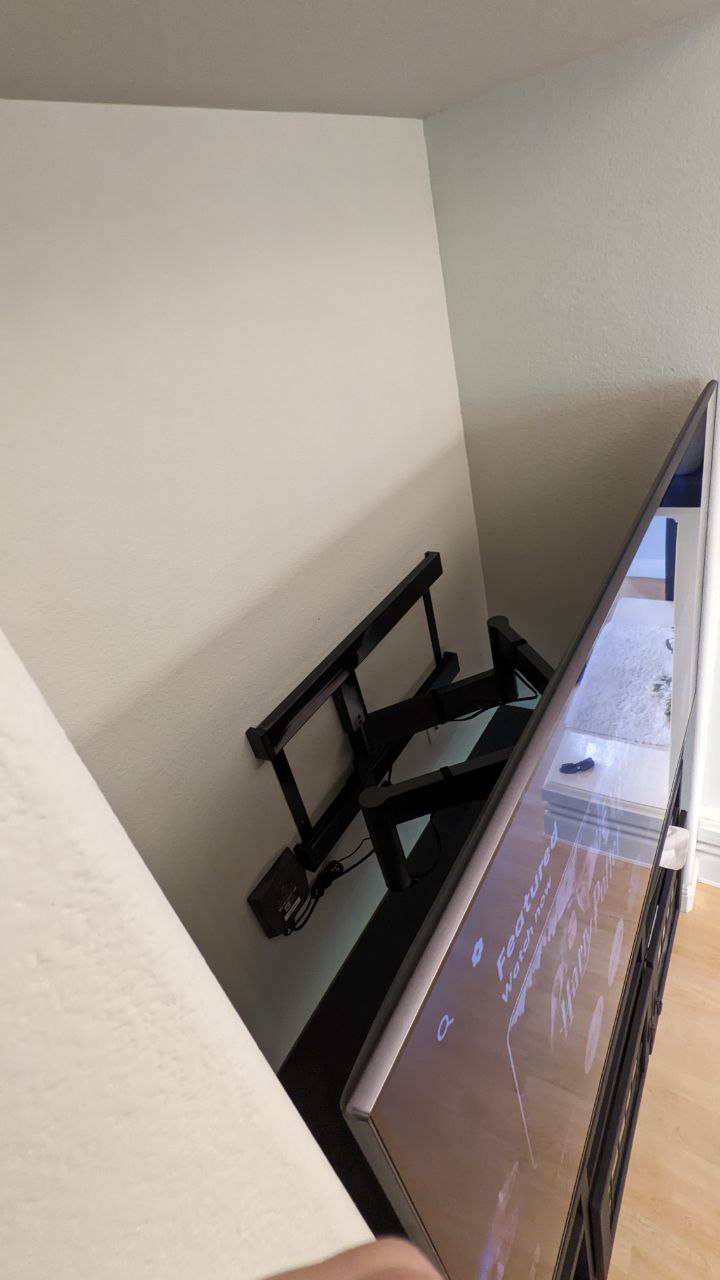
Full motion TV mount bracket extended from wall showing arm reach in Rancho Cordova, CA
Corner-Specific Mounts
Some mounts are designed specifically for corners, with brackets that span both walls meeting at the corner. These provide an extremely secure mount but are less common and more expensive.
Best for: Commercial installations, very heavy TVs, situations where both walls are accessible TV sizes: 40" to 75"
Ceiling Corner Mounts
When wall mounting isn't possible - maybe the corner is all windows - a ceiling mount can suspend the TV from above. We install these less frequently, but they're a great option in certain rooms.
Best for: Sunrooms, rooms with floor-to-ceiling windows, commercial spaces
How to Choose the Right Corner Mount
Consider Your Wall Material
In Sacramento homes, we see every wall type. Here's how wall material affects your corner mount choice:
Consider Your TV Size and Weight
Bigger TVs need stronger mounts with longer arms. A 75-inch TV in a corner needs a mount rated for at least 100 lbs with an arm long enough to clear the corner by several inches. We always verify the mount's weight rating exceeds the TV's actual weight by at least 50%.
Consider Your Viewing Distance
The general rule is that your viewing distance should be 1.5 to 2.5 times the diagonal screen size. In a corner installation, measure from the corner to your primary seating position. If it's 10 feet, a 65-75 inch TV is ideal.
Best Corner TV Mounts (What I Actually Install)
People ask me all the time which corner TV mount to buy. Here's the secret: there's no special "corner mount" category you need. What you need is a full motion mount with enough arm extension for your corner, from a brand whose arms don't sag. Here's what I reach for, by TV size:
Up to 55 inches: a quality full motion mount with 18"+ extension
For smaller TVs, most name-brand full motion mounts work in a corner as long as the arm extends at least 18 inches. Mounting Dream makes solid, affordable full motion brackets - a Mounting Dream bracket solved a tight-space corner problem for us in Placerville where bulkier arms wouldn't fit. Check the spec sheet for extension length, not just supported TV size.
55 to 75 inches: Sanus full motion
This is the size range where mount quality starts to matter, because the leverage on an extended corner arm is serious. A Sanus full motion is a solid choice - smooth articulation, honest weight ratings, and arm tension that holds where you set it instead of drooping a month later. Look for at least 20 inches of extension and a dual-stud wall plate.
75 inches and up, or above a fireplace: MantelMount
For big screens in a corner above a fireplace, a MantelMount pull-down mount lets you lower the TV out of the heat zone and angle it into the room. It's the most expensive option here, and it's what we install when the TV is large, high, and needs to move.
Whatever you buy, the two specs that make or break a corner install are arm extension (measure your corner first - 18 inches is the minimum, more is better) and weight rating (pick a mount rated at least 50% over your TV's actual weight, because an extended arm multiplies the load on the wall).
Step-by-Step Corner TV Mount Installation (Pro Process)
Here's our full process for every corner TV mount installation in Sacramento:
1. Planning and Measurement
We start by determining the optimal TV height and angle for your seating arrangement. For corner mounts, this means considering the angle of the room, the distance to seating, and the natural line of sight from where you'll be watching.
2. Stud Location
This is critical for corner installations. We locate studs on the primary mounting wall using professional-grade stud finders (not the $15 hardware store ones). For corners, we typically mount on one wall only, using the articulating arm to position the TV.
3. Bracket Installation
We install the wall plate with lag bolts into studs, ensuring every bolt hits solid wood. For corner mounts, we typically use 4-6 lag bolts depending on TV weight. Each bolt is torqued to the correct specification.
4. Cable Management
Corner installations present unique cable challenges since the TV often isn't directly above a power outlet. We run cables through the wall to the nearest outlet location, installing a recessed power box behind the TV for a clean look - the same process as our TV wire concealment service.
5. TV Hanging and Calibration
Once the bracket is secure, we mount the TV, adjust the arm tension and tilt/swivel angles, and fine-tune the position for your viewing setup. We test the full range of motion to ensure smooth operation.
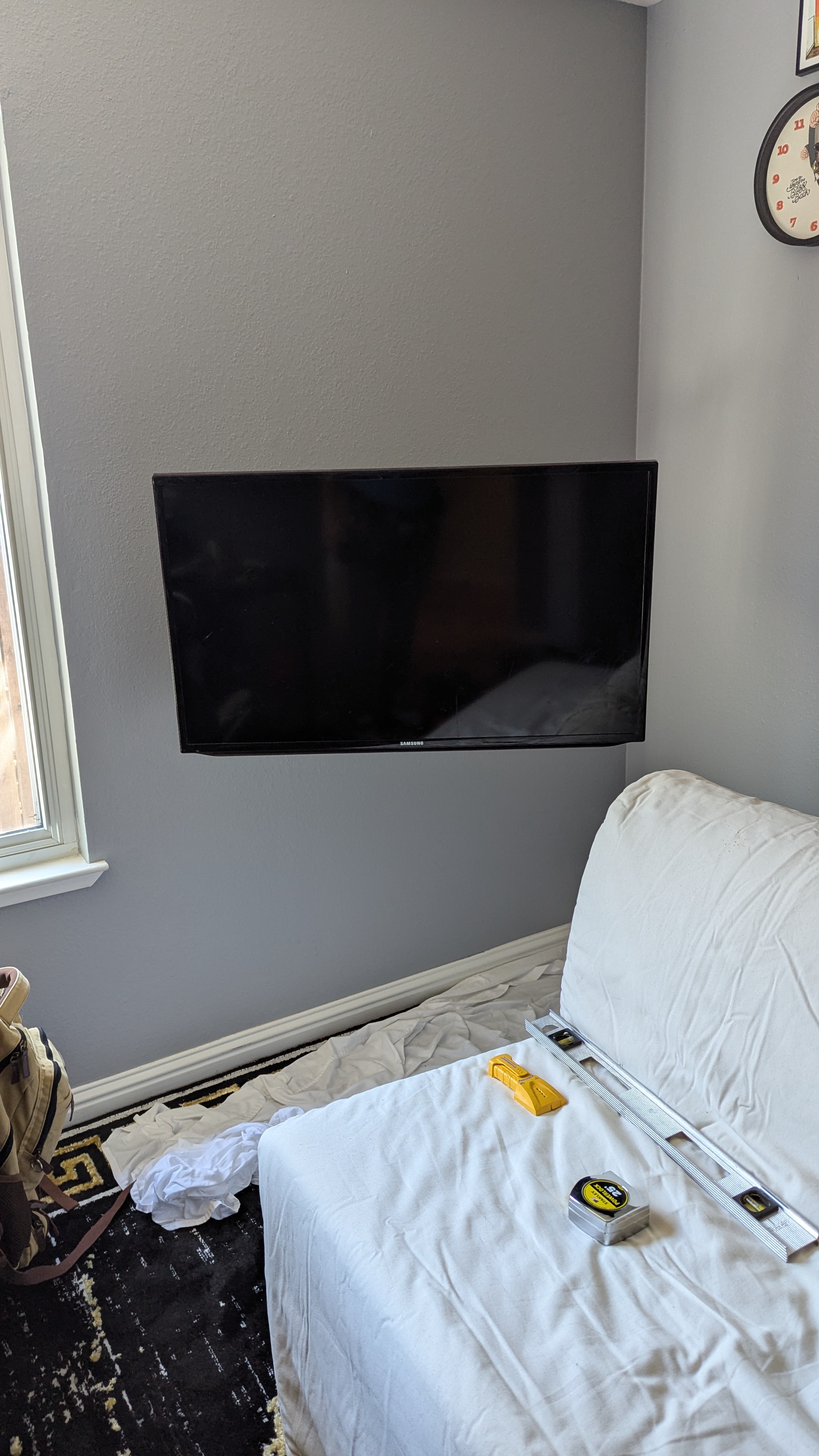
TV mounted flush in corner during installation with level and tools in Sacramento, CA
Common Corner TV Mounting Mistakes
Mounting Without Hitting Studs
This is the #1 mistake we see from DIY corner mount attempts. Corner mounts bear more stress than flat wall mounts because of the leverage from the extended arm. You MUST hit studs - toggle bolts alone are not sufficient for most corner installations.
Choosing a Mount with Too Short an Arm
If the arm isn't long enough, the TV won't clear the adjacent wall when you swivel it. Measure the depth of your TV and add at least 3 inches of clearance. For 65"+ TVs, you typically need an arm that extends 20+ inches.
Ignoring Cable Management
A corner-mounted TV on an articulating arm means the cables need slack to accommodate the arm's movement. We use spiral cable wraps along the arm and in-wall routing to keep everything clean while allowing full range of motion.
Mounting Too High
This is a problem with any TV mount, but it's especially common in corners because people tend to push the TV up to "clear" furniture. Your TV center should be at seated eye level - typically 42-48 inches from the floor.
DIY vs Professional Corner TV Mounting
Corner mounts are one of the installations we most recommend hiring a professional for. Here's why:
If that list sounds like more than you want to take on, our professional TV mounting service in Sacramento handles all of it - mount selection included. At Dan's TV Mounting, we install corner mounts throughout Sacramento - from the condos in Midtown to the spacious great rooms in Roseville and Folsom. Most corner mount installations take 45-90 minutes including cable management.
Corner TV Mount FAQ
Can you put a TV wall mount in a corner?
Yes. You mount a full motion bracket to one wall of the corner (into studs), and the articulating arm swings the TV across the corner and angles it into the room. You don't mount to both walls, and you don't need a special corner-only product - you need enough arm extension.
Can you mount a 75-inch TV in a corner?
Yes, and we do it regularly. A 75-inch TV in a corner needs a mount rated for at least 100 lbs, an arm long enough to clear the corner, and lag bolts into two studs. This is the size where we most strongly recommend professional installation - the leverage on an extended arm with a TV that heavy is unforgiving.
Do corner-mounted TVs sag over time?
A quality mount installed into studs won't sag. Sagging comes from two things: cheap mounts whose arm tension can't hold the weight, and installs anchored into drywall instead of studs. Buy a name-brand mount with an honest weight rating and hit two studs, and it will hold its position for years.
Can I corner-mount a TV on drywall without studs?
No - not with a full motion arm. Toggle bolts that might be acceptable for a small fixed mount are not enough for the leverage of an extended corner arm. If the studs aren't where you need them, the fix is a steel stud plate or choosing the other wall of the corner, not stronger drywall anchors.
How high should a corner-mounted TV be?
Same rule as any TV: center of the screen at seated eye level, roughly 42 inches from the floor for most rooms. The most common corner-mounting mistake we fix is TVs mounted too high because the corner "felt" like it needed it.
Ready for a Corner TV Mount?
If you're in the Sacramento area and need a TV mounted in a corner, call Dan's TV Mounting at (916) 234-5202. We'll assess your corner, recommend the right mount, and have your TV perfectly positioned in under two hours. Same-day TV mounting is available for most Sacramento locations.